Bookings and check-out
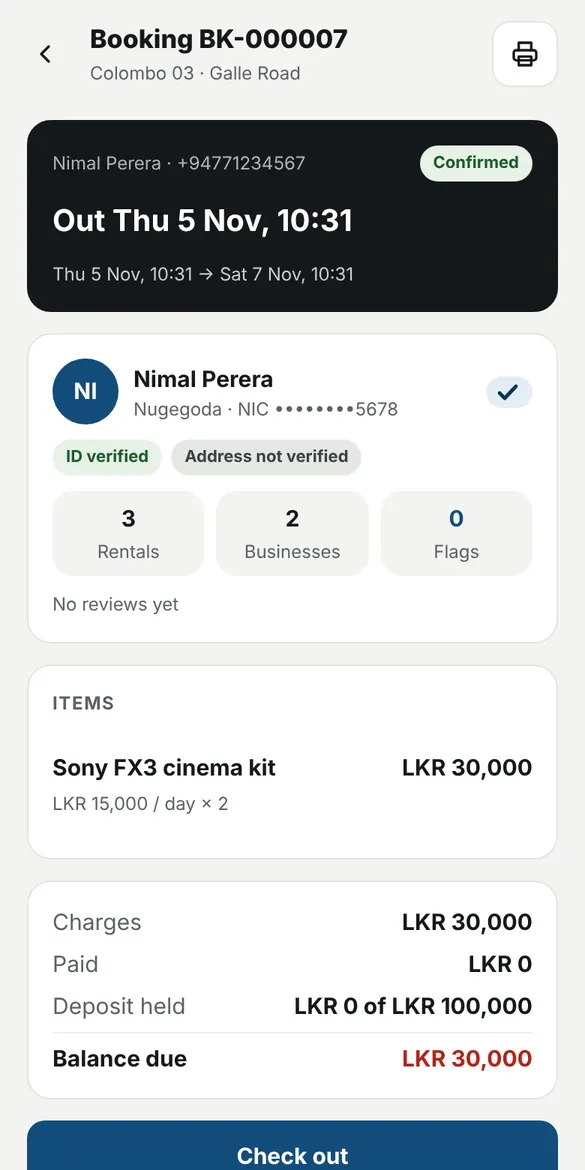
See what is free for the dates, take a deposit, record the condition with photos and get the renter's signature.
Made in Sri Lanka for rental shops
Bookings, check-out, returns and payments in one place, with renters verified once and recognised at every shop on RentDeskLK.
For rental shops
See what is free for the dates, take a deposit, record the condition with photos and get the renter's signature.
RentDeskLK checks each renter's NIC and selfie. Shops are warned about renters who did not return items.
The shop app keeps working when the connection drops and sends everything when you are back online.
Print labels, then scan items at check-out and return so the right unit always goes out and comes back.
Charge by the hour, day, week or month, or by meter reading for vehicles and machines, with fuel, operator and delivery.
Signed rental agreements as PDF, bills on receipt printers, and return-day reminders for renters.
Payments, expenses, suppliers and earnings per item, so you know what each piece of stock brings in.
Add shops and staff with their own roles. Every change is recorded.
Getting started
Send your BR and the owner's NIC. RentDeskLK approves the business and each shop address.
Pick items from the ready-made catalog, set your prices and print QR labels.
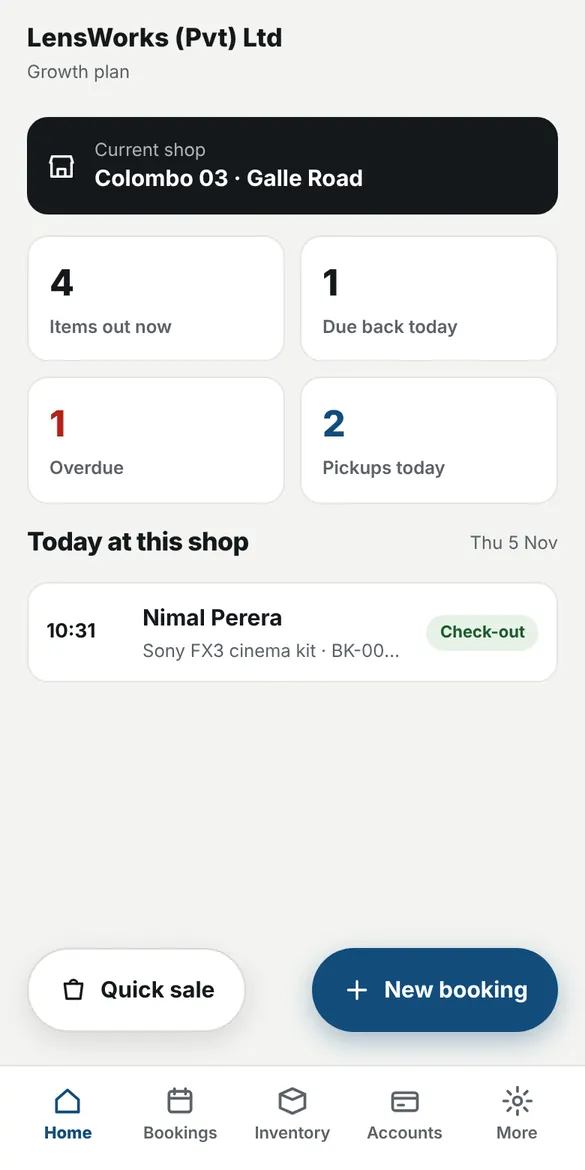
Take bookings at the counter, or let renters scan your shop QR and book from their phone.
For renters
Verify your NIC and selfie once in the RentDeskLK app. Shops on RentDeskLK accept you without new paperwork.
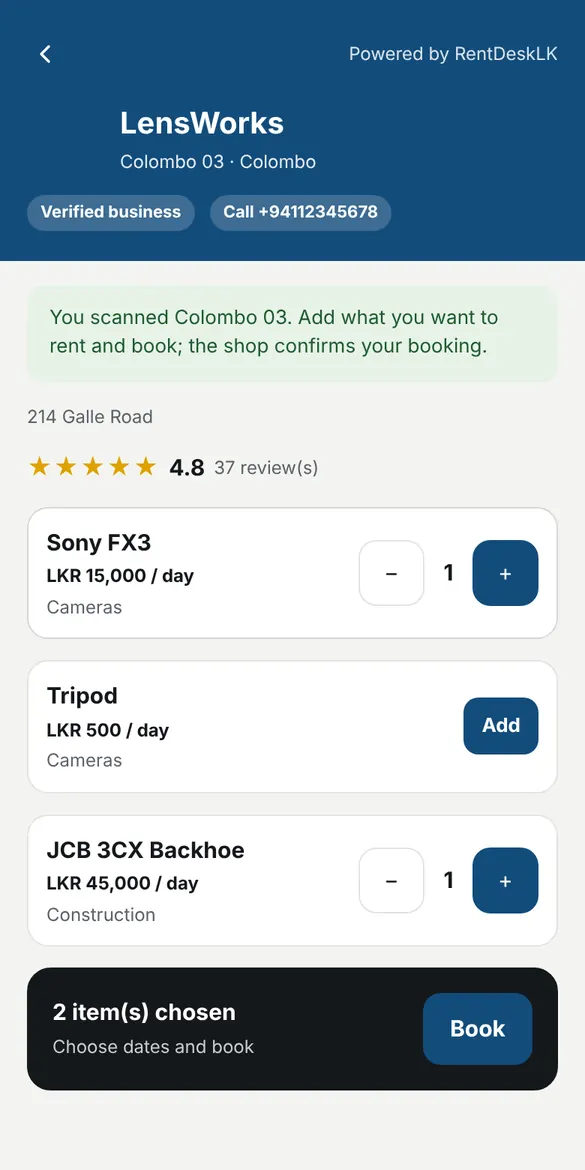
Scan a shop's QR code, choose items and dates, and send a booking. The shop confirms it and you get a message.
See what you have out, when it is due back and the total, across every shop.
A shop sees your full details only when you rent there or share them with your code.
Download
Free to download. For Android 6.0 or newer.
For renters: get verified, book and see your rentals.
For shop staff: bookings, check-out, returns and stock, even offline.
On iPhone or a computer, use RentDeskLK in your browser. On iPhone, tap Share, then Add to Home Screen.
To update, download and install the new version over the old one. Your data stays.
Not yet. Download the apps from this page; they are the official RentDeskLK apps.
Use the web app in Safari and add it to your Home Screen. It works like an app.
The apps are free for renters. Shops choose a plan when they register their business.
Your NIC and selfie are checked by RentDeskLK. A shop sees your full details only when you rent there or share them. Data in the shop app is encrypted on the phone.